

-

Unified Control System – General Description
Unified Control System is currently in design phase. Intended users are companies specializing in various ...


Software
-

Unified Control System – General Description
Unified Control System is currently in design phase. Intended users are companies specializing in various ... -

Unified IO – C++ interface for industrial IO cards
During our professional experience we have had many problems in finding drivers for industrial control ... -

Dens2
Dens2 is a client registration software for dental clinic. Dens2 allows to track client records, plan ... -

Synchronizing Your Accounts Between Windows and Linux
Microsoft’s Windows Services for UNIX provides a number of services and tools to facilitate integration ... -
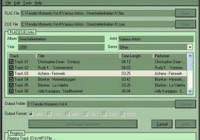
CD Rippers. Download Free CD Ripper. What is a CD Ripper?
A CD ripper is special software that creates amazing opportunities for listening to music. Through the ... -

What is a “PUP”? Spyware vs. Adware. Removing PUP’s.
The acronym “PUP” stands for “potentially unwanted program”. McAfee’s virus scan and similar ... -

Best Programs for Editing Video on PC
Editing video used to be a difficult and painstaking process. But with the digital camcorders now available ...
Latest News View All News »

Palit Radeon HD 4870 512MB
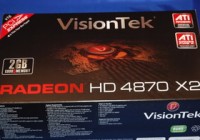
VisionTek Radeon HD 4870 X2 2GB

Sapphire Radeon HD 4850 512MB Toxic
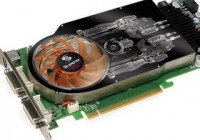
Leadtek GeForce 9600 GSO 384MB Extreme
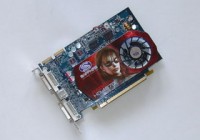
Sapphire Radeon HD 4670 512MB
What is IMAP? What is POP3? Which one is better?
Neither one is superior to the other. Both server unique purposes and really depends on your tastes and needs. IMAP is great if you are always on the go and need to check email from any computer. Webmail is the perfect example of IMAP services. Bulk Emailer is never downloaded to any computer. You read it online. It stays on the server until you delete. POP3, on the otherhand, downloads all messages to your computer when you want to read them. In most cases, the email is deleted from the server once you download it and is only accessible from the computer from which you downloaded the email with. It's really just a matter of personal taste and/or what is available to you.
For a brief description, this IMAP vs PPOP3 is very informative and easy to understand.


